You offer the lift
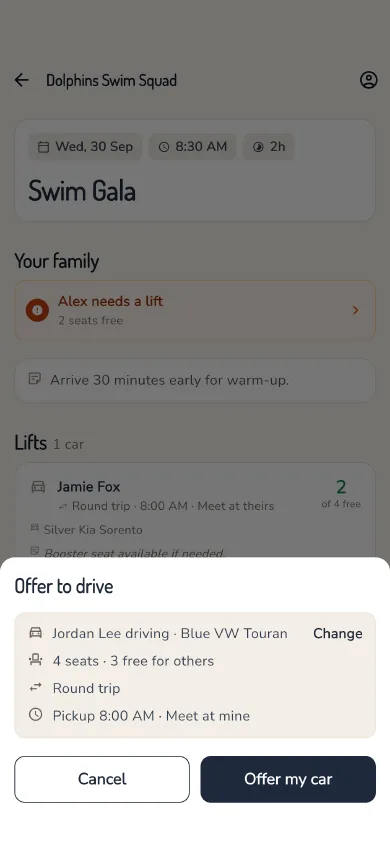
Offer a car in a few taps. Your own kids are seated for you.
Pick the event, tap Drive, check your saved car and pickup time, and you're done.
The carpool app for kids' sports and clubs
You're already doing the driving. Your own kids are seated for you, other parents book the spare seats, and nobody scrolls back through three days of "who's driving?". See how it works.
Free for 90 days, no card needed.
How it works
Pick the event, tap Drive, check your saved car and pickup time, and you're done.
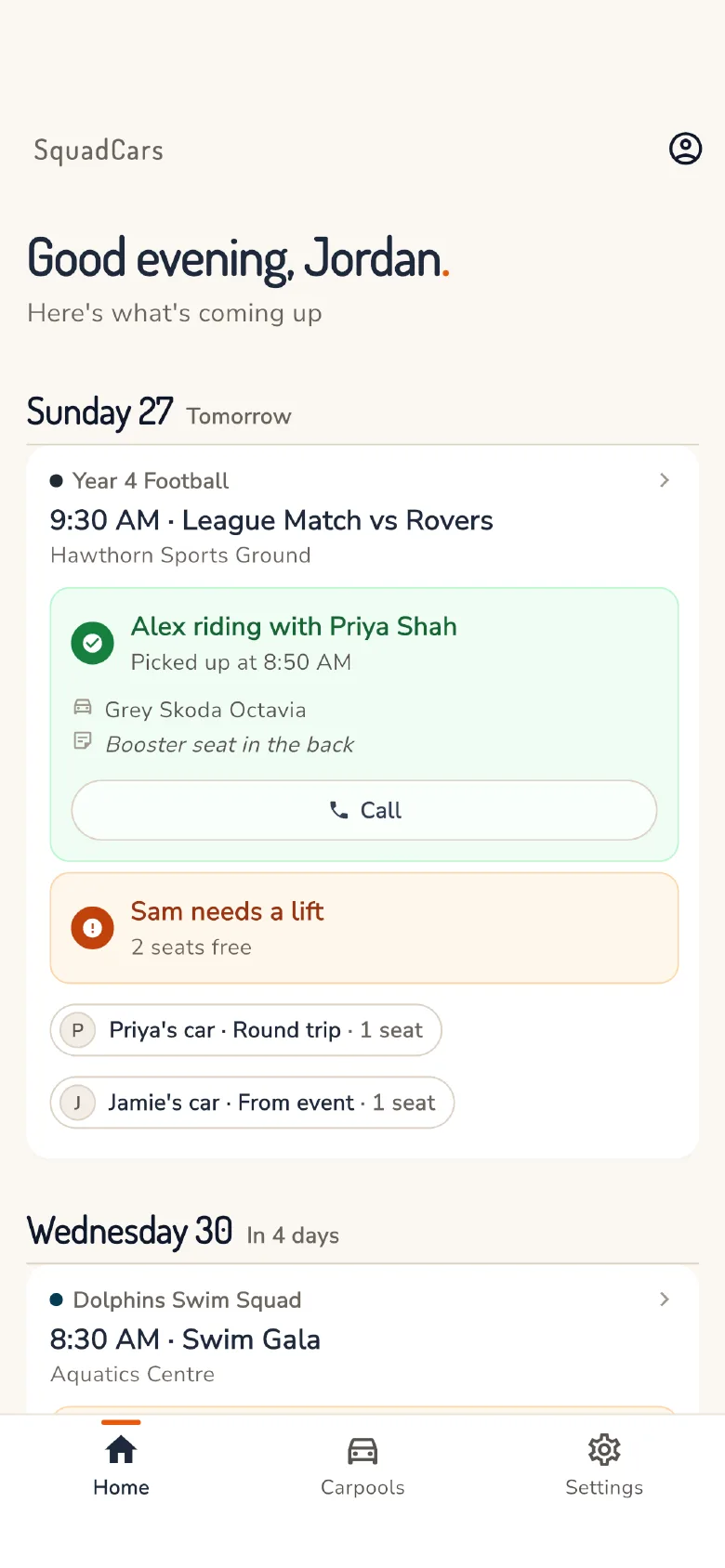
Open seats show on the event. A parent taps Book and the seat is confirmed: a fact in the app, not a promise in the group chat. Car full? The next child in line gets the seat when one frees up.
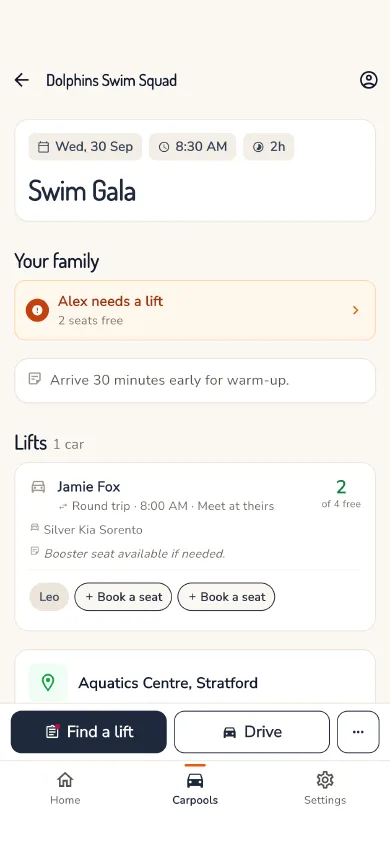
Send "On my way", "Running a few minutes late" or "I've arrived" from the event, and the families in your car hear it. Routes open in your maps app with every pickup as a stop.
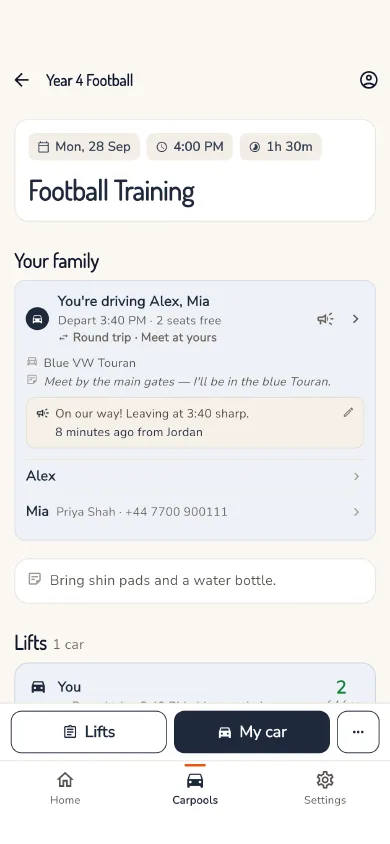
Bring every fixture in from a published calendar feed, and keep out the ones you don't need.
A child can ride there with one family and home with another. Each leg is booked separately.
Hockey on Mondays, rugby on Wednesdays, swimming on Saturdays, side by side.
Getting your squad on
You don't need the whole team on day one. Start a carpool, share the link, and parents join as they see it. See the setup steps.
Name it after the team. Add the events, or bring them in from your team calendar.
Paste it in the group chat or show its QR code. Nobody needs an email address.
They sign in, choose which children are taking part, and they're in. There's nothing for you to approve.
Safety
Only the parents you invite, and only the details a lift needs. Read the privacy policy.
A carpool is private. People join with its link, and everyone in it is listed, so you always know who's in. A member can be removed in two taps.
Your phone number and address go to the driver of a car your child is booked into, and to the parents of the children in your car when you drive. No one outside your carpools sees them.
A child can have their own login to see their lifts and who's driving. It can't book or change anything.
Sign in with an email code, Google or Apple, so there is no password to leak. Your data is encrypted at rest, and we never sell it.
To start
Free for 90 days
No card needed. Everything works from day one.
Then
£9.99 a year
Or £0.99 a month.
One plan covers both parents and every squad you're in: your partner shares it at no extra cost.
UK prices. Elsewhere you pay the local price shown in the App Store or Google Play. When the trial ends you can still see everything; booking seats and offering your car need a plan.
Running a team or club? Club accounts aren't open to everyone yet. Email us and we'll talk it through.
Less chasing. Every seat confirmed.